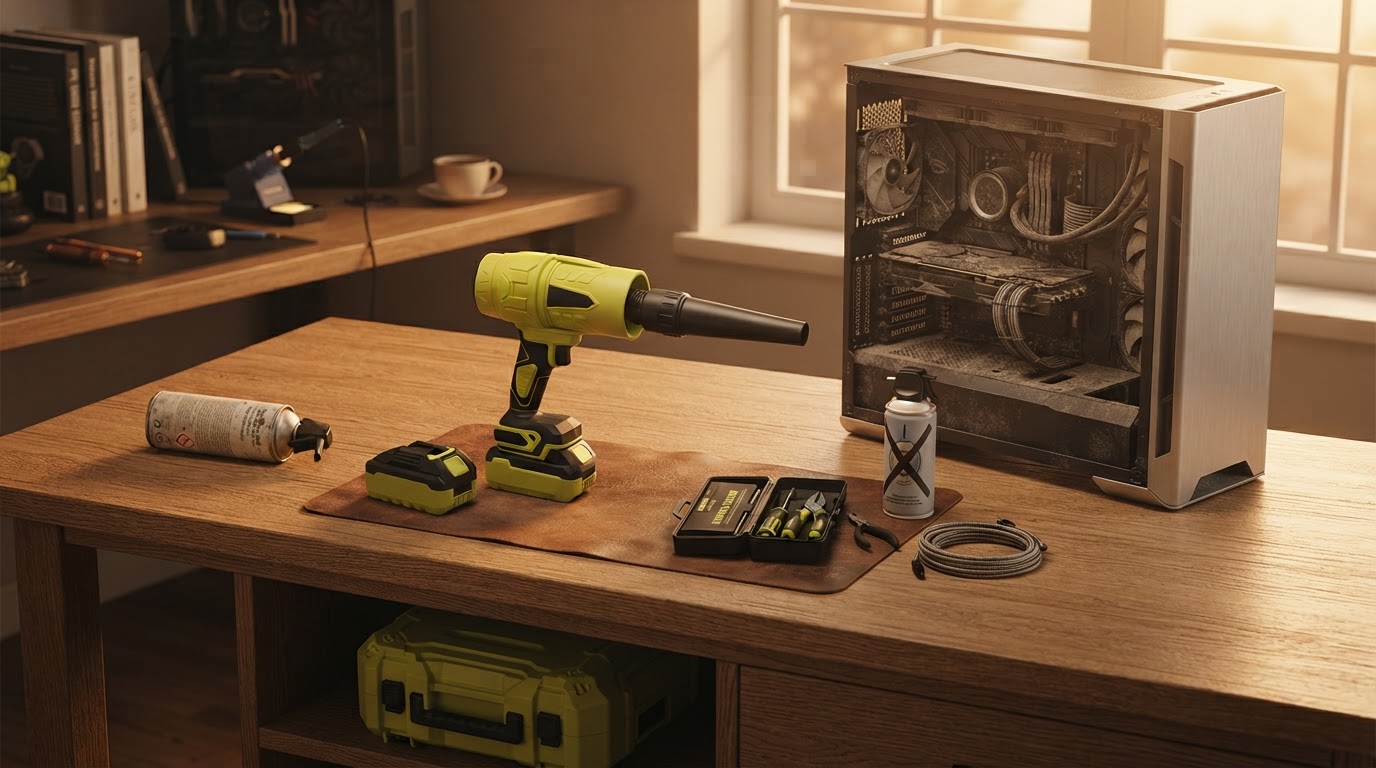
Maintaining PC Hardware Performance with Jet Blower Technology
 Sam VasquezBuying Guide Lead
October 1, 2026. This guide examines the technical requirements for removing dust from high-density computer components using high-velocity airflow. It is written for PC builders, gamers, and IT professionals who need a sustainable alternative to disposable air canisters.
The Problem with Static and Dust Accumulation
Dust is the primary enemy of efficient thermal management in a desktop environment. When particulates settle on heatsink fins or inside power supply units, they act as an insulating layer, trapping heat and forcing fans to run at higher RPMs to maintain safe operating temperatures. Traditional methods of cleaning these components have often relied on aerosol cans, but these present significant drawbacks. According to Central Computers, which stocks the Turbo Jet Blower Air Duster, users are increasingly looking for tools that offer consistent performance, noting that high-end jet fans can reach speeds of 130,000 RPM to provide the necessary force for deep cleaning. The issue with standard methods is the drop in pressure; as a compressed air can chills during use, the propellant loses its ability to dislodge stubborn debris stuck in the corners of a motherboard. This inconsistency makes it difficult to perform a thorough cleaning of a cordless air duster for pc without using multiple cans in a single session. Furthermore, the risk of liquid propellant spraying onto sensitive circuitry is a constant concern for those working with expensive GPUs or custom water-cooling loops. If you are looking for a more stable solution, the mini jet fan for electronics provides a consistent stream of air that does not fluctuate based on the temperature of the housing, ensuring that the last bit of dust receives the same force as the first.
How the Jet Blower Optimizes Hardware Airflow
The Jet Blower addresses the limitations of traditional dusters by utilizing a high-speed brushless motor to generate a concentrated column of air. Unlike a vacuum, which can create static discharge risks if the nozzle touches components, a jet blower allows for touchless maintenance. The physics of the device rely on high static pressure rather than just high volume. In testing conducted by Project Farm, which evaluated various air dusting tools, the results highlighted that the effectiveness of these devices is measured by their ability to maintain pressure under load. A Jet Blower provides a sustained 130,000r/s wind speed, which is sufficient to clear dust from between the tightly packed fins of a 360mm radiator or from underneath the keycaps of a mechanical keyboard. When deciding between a compressed air vs jet blower for electronics, I always look at the long-term cost of ownership. While a single can is cheap, a rechargeable unit pays for itself within a year of regular maintenance. The Jet Blower is particularly effective because it doesn't just push dust around; the velocity is high enough to actually strip the microfilm of dust that often bonds to fan blades due to humidity. This makes it a superior choice for those who live in environments where dust is more than just a dry powder. Between these two, I'd go with the Jet Blower every time for my personal rig because the airflow is predictable and the tool is always ready to go after a quick USB-C charge.
Selecting the Right Tool for Your Build
Choosing a cleaning tool requires balancing raw power with control. You don't always need the maximum 130,000 RPM setting for every task. For instance, cleaning a delicate rear I/O shield requires less force than blasting out a front mesh panel that hasn't been touched in six months. Newegg lists various cordless air duster options that include multiple speed settings, which is a feature I consider mandatory. If you are on a budget, you might be tempted by the cheapest plastic blowers available, but these often lack the motor shielding necessary to prevent electromagnetic interference near open PC cases. Skip this if you only clean your computer once every two years; in that specific case, a simple brush and a hand pump might suffice. However, for enthusiasts who take pride in their cable management and thermal performance, the investment in a dedicated blower is justified. Here's what I'd actually buy: a unit that features a solid aluminum housing and a variable speed trigger. This allows you to ramp up the power slowly, ensuring you don't accidentally spin a cooling fan too fast, which can lead to bearing damage or back-current into the motherboard. Before you start your next cleaning session, keep this checklist in mind:
- Verify the unit has a brushless motor for longevity and reduced heat during operation.
- Ensure the nozzle is tapered to increase air velocity for tight spaces like PCIe slots.
- Check for USB-C charging compatibility to match your existing tech ecosystem.
- Confirm the battery capacity is at least 3000mAh to handle a full tower cleaning.
- Look for a model with a physical safety switch to prevent accidental activation in a gear bag.
Sources
- The Best Electric Air Duster for Cleaning Your PC? - YouTube
- Which Air Duster Actually Works Best? We Tested Them All - YouTube
- best compressed air duster for pc | Newegg.com