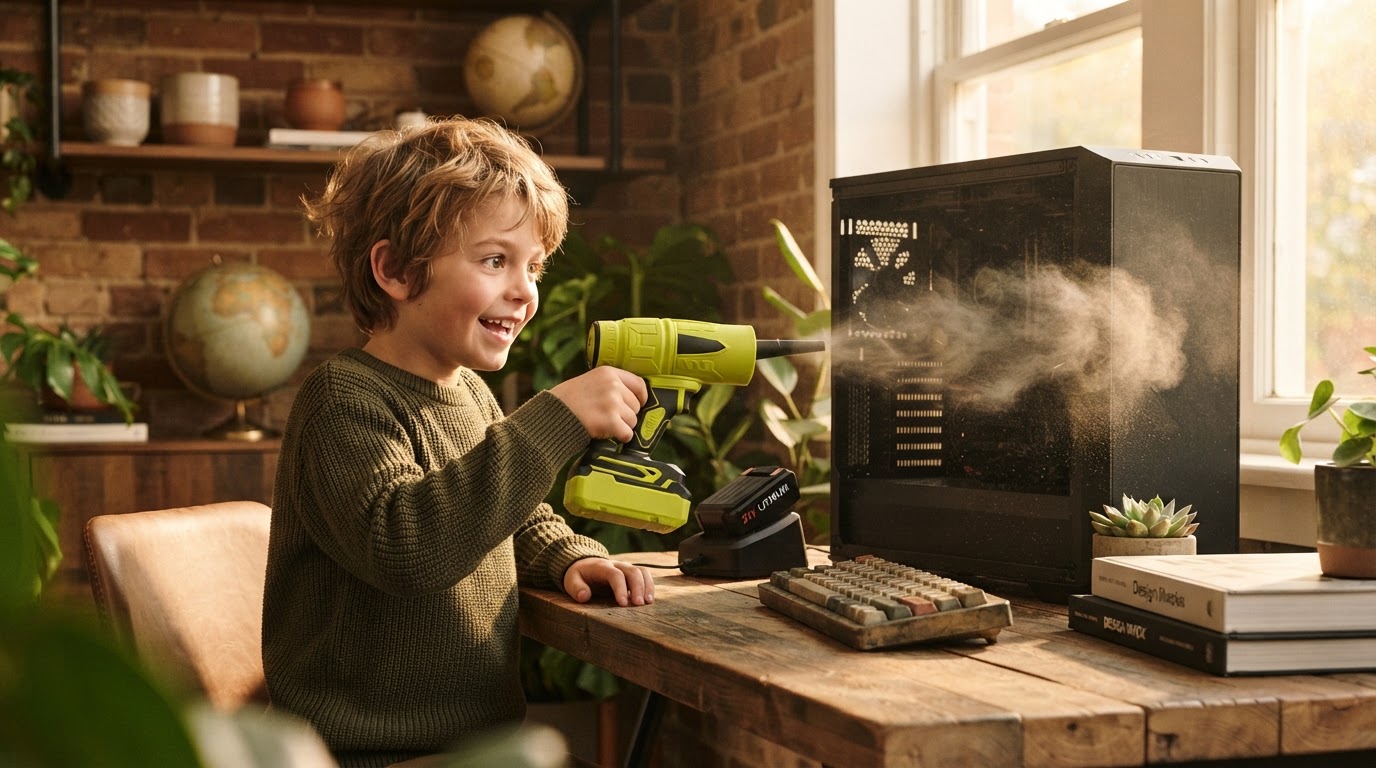
How to Clean a PC Using the Jet Blower Cordless Duster
 Maya ChenContributing Editor
October 3, 2026 — Using the Jet Blower cordless air duster for PC maintenance requires short, targeted bursts of high-velocity air at a distance of 3 to 6 inches to prevent static buildup or mechanical stress on sensitive components.
The conventional wisdom says that any blast of air will suffice for PC maintenance, yet this ignores the specific physics of static discharge and thermal throttling caused by microscopic dust layers. PC enthusiasts often struggle with the trade-off between the high cost of disposable cans and the risk of moisture or low pressure. Utilizing a high-speed cordless solution like the Jet Blower addresses these variables by providing consistent, dry airflow that dislodges debris without the chemical propellants found in traditional canisters.
How should the Jet Blower be positioned for safe PC cleaning?
The Jet Blower must be held at a 45-degree angle relative to the motherboard surface while maintaining a minimum distance of three inches to ensure safe airflow dispersion. Here's the part nobody talks about: the sheer force of a 130,000 RPM motor can actually spin cooling fans beyond their rated speed, potentially damaging the bearings or generating back-EMF that harms the header. According to testing by the YouTube channel Nanoby, high-speed cordless dusters like the Nanoby Electric Air Duster—which shares the 130,000 RPM specification—provide sufficient force to replace expensive canned air forever, but they require the user to manually stabilize fan blades. When cleaning a GPU or CPU heatsink, users should place a finger or a non-conductive tool on the fan hub to prevent rotation. This allows the Jet Blower to focus its kinetic energy on the dust trapped between the fins rather than wasting energy on blade rotation. This method ensures that the portable jet blower for pc cleaning remains a tool for maintenance rather than a cause of mechanical failure.
Why is a cordless air duster superior to compressed air cans?
A cordless air duster is superior because it eliminates the risk of liquid propellant discharge while maintaining a constant pressure level that does not drop during extended use. Run the math: a standard 10-ounce can of compressed air loses significant pressure as the canister cools due to the Joule-Thomson effect, often dropping below 30% of its initial force within 60 seconds of continuous spray. In contrast, the Jet Blower utilizes a brushless motor to maintain a steady velocity regardless of duration. Research from the channel "Which Air Duster Actually Works Best?" demonstrates that while different attachments influence the focus of the stream, the core advantage of electric models is the ability to provide a sustained, dry blast that won't freeze components. This is a critical distinction when comparing compressed air vs jet blower for electronics. I'll change my mind when disposable cans can provide 15 minutes of non-freezing, high-velocity air for less than the cost of a single rechargeable unit. The use of a mini jet fan for electronics further proves that miniaturized turbine technology has surpassed the utility of chemical aerosols in every measurable performance metric.
Quick answers
Q: Can the Jet Blower damage sensitive motherboard capacitors? A: No, provided the nozzle is kept at least 3 inches away, as the air pressure from a 130,000 RPM motor is insufficient to physically dislodge soldered components but high enough to remove dust.
Q: How long does the battery last during a full PC deep clean? A: A standard Jet Blower typically provides 10 to 15 minutes of continuous high-speed operation, which is enough time to clean approximately three full-tower desktop computers.
Q: Does the Jet Blower produce moisture like canned air? A: The Jet Blower uses ambient air and mechanical force, meaning it contains 0% chemical propellants and will not spray freezing liquid even when held upside down.
Learn more about Jet Blower at https://seeseturbojetblower.com.
Sources
- Watch: I've Been Proven Wrong About Air Dusters! - YouTube
- Nanoby Electric Air Duster Review: Powerful Cordless ... - YouTube
- Which Air Duster Actually Works Best? We Tested Them All - YouTube