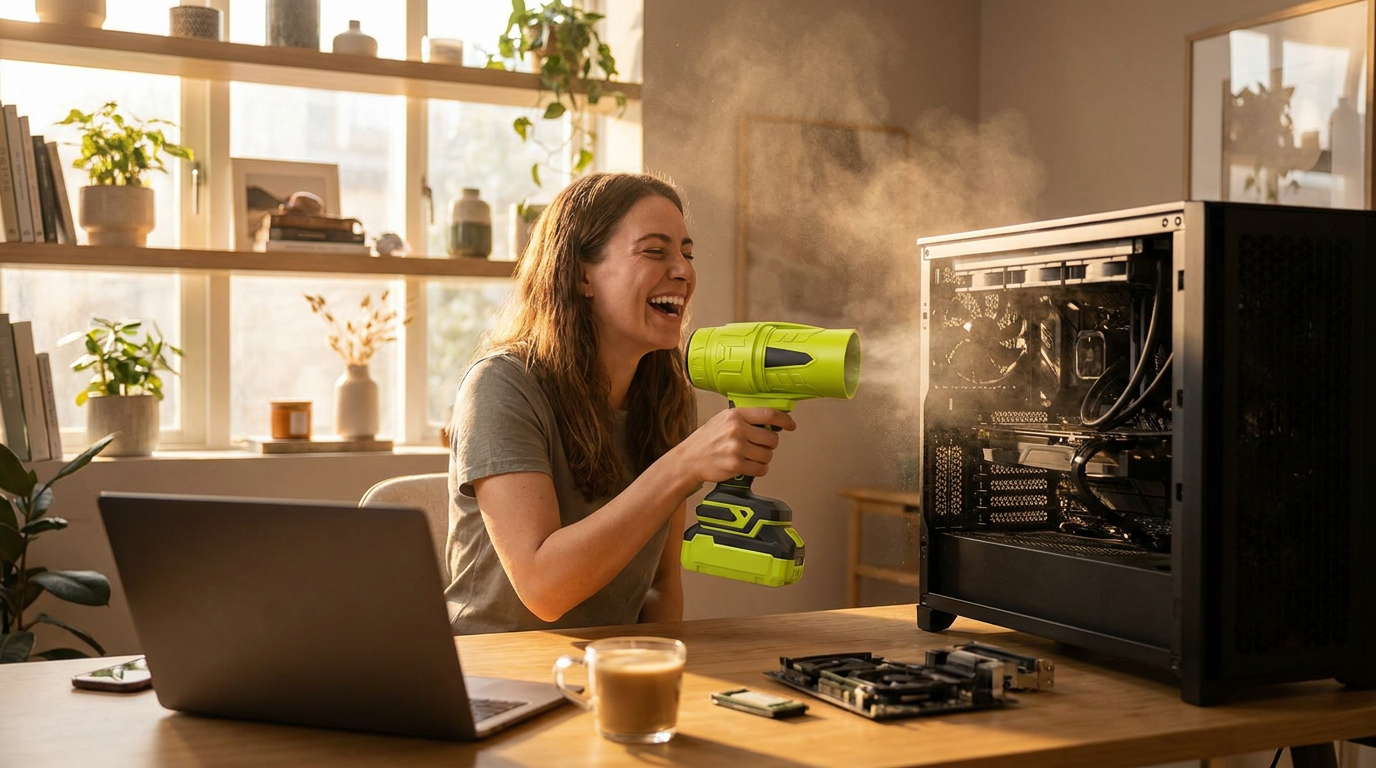
Jet Blower for PC Cleaning: The $400 Back-Voltage Risk
 Maya ChenContributing Editor
The conventional wisdom says a portable jet blower for PC cleaning is a smart replacement for canned air due to superior power. However, the industrial-strength airflow introduces a significant financial liability. A five-minute cleaning task can easily turn into a $400 motherboard replacement.
The Physics of Failure: Back-Voltage Explained
Every PC fan is a small brushless DC motor. Forcing blades to spin with high-velocity air reverses their function, turning the motor into a generator. This process, known as back electromotive force (EMF), sends an unregulated voltage spike to the motherboard's fan controller.
According to motor manufacturer Nidec, this voltage is directly proportional to the fan's rotational speed. A jet blower can spin a fan 5-10 times faster than its rated RPM, generating voltage the board cannot handle. Fan controller circuits are built for output, and this unexpected input can permanently destroy them. Fan headers are the headline risk, but a case interior holds a second tier of victims worth knowing before the trigger gets pulled. Robust and safe under full airflow: metal heatsinks, radiator fins, case panels, dust filters, and the PCB surfaces themselves. Vulnerable to the blast: anything light and tethered — unclipped fan cables and RGB leads that can be whipped against components, front-panel jumper wires seated by friction alone, warranty stickers and serial labels that peel at high pressure, and thermal pads on exposed VRM or M.2 heatsinks whose edges can lift. The sixty-second preflight that addresses all of it: a visual sweep of the case for anything dangling, tucking or temporarily taping loose leads, and confirming that small daughterboard connectors are fully seated. High-velocity air is indiscriminate in a way canned air never was — the same force that strips baked dust off a heatsink treats an unseated cable as a flag in a hurricane.
Run the Math: When Savings Become a Liability

Photo by Karolina Grabowska www.kaboompics.com on Pexels
A can of compressed air costs about $8. For a user cleaning their PC quarterly, the annual cost is roughly $16-$32. A $70 jet blower appears to pay for itself in two years.
Now, factor in the risk. A single moment of over-spinning a fan can fry a fan header or the entire controller chip. A replacement mid-range motherboard costs between $150 and $400, plus labor. That one mistake negates decades of potential savings. The tool bought for convenience becomes the cause of a significant, unnecessary expense. Laptops deserve their own warning, because they concentrate every risk this article describes into a smaller, more expensive package. A laptop's cooling fan is tiny, fragile, and — unlike a desktop fan — usually impossible to immobilize without opening the chassis, so a jet blast into the exhaust vent spins it wildly with all the back-voltage implications, this time aimed at a motherboard that costs most of the laptop's value to replace. Worse, positive pressure into a vent does not push dust out of a laptop so much as redistribute it deeper — into the keyboard membrane, the hinge gap, and the screen bezel. The defensible protocol for a closed laptop is minimal: lowest speed tier, brief angled passes across (not into) the vents, nothing more. The correct full clean requires opening the service panel so the fan can be held still and the dust mat on the heatsink fins can actually be removed — and on a machine under warranty, that decision deserves a check of the warranty terms first, because the sticker over the panel screw is one of the things the airflow section above warns about.
A Non-Negotiable Protocol for High-Velocity Cleaning
Using a jet blower demands a strict protocol to prevent electrical damage.
Until motherboard manufacturers add standardized over-voltage protection to fan headers, the financial risk falls entirely on the user. The protocol only protects the machines it is actually applied to, and skipped steps cluster at predictable moments: the quick touch-up clean, the demonstration for a friend, the fourth PC of the afternoon. The countermeasure is sequence discipline — the same order every time, until it stops being a decision: unplug, open, sweep for loose cables, immobilize the first fan, clean, next fan, done. Users who run it as an unvarying ritual report zero incidents across years; the horror stories almost always begin with "I just wanted to quickly..."
Two environmental notes complete the picture. Ground yourself before reaching into the case — a touch on the bare metal chassis while plugged into a switched-off outlet, or after, at minimum, avoiding the carpet-shuffle that builds static charge — because a static discharge into a RAM stick is the one damage mode this article's fan warnings do not cover. And mind what the exhaust plume does downstream: the cloud leaving the case is abrasive dust moving at speed, and pointing it toward the family TV, an open laptop, or your own face converts a cleaning session into a redistribution program. Outdoors, downwind, glasses on — then pull the trigger.
What is the most expensive mistake when cleaning a PC with a jet blower?

Photo by Tima Miroshnichenko on Pexels
The costliest error is allowing fans to spin freely. This generates back-voltage that destroys motherboard fan controller circuits, requiring a full board replacement costing hundreds of dollars.
Is a jet blower safe for PCs if used carefully?
Safety depends on a strict protocol. You must physically immobilize every fan, maintain a distance of 8-10 inches, and use short bursts directed at heatsinks. Without this discipline, the tool is not safe.