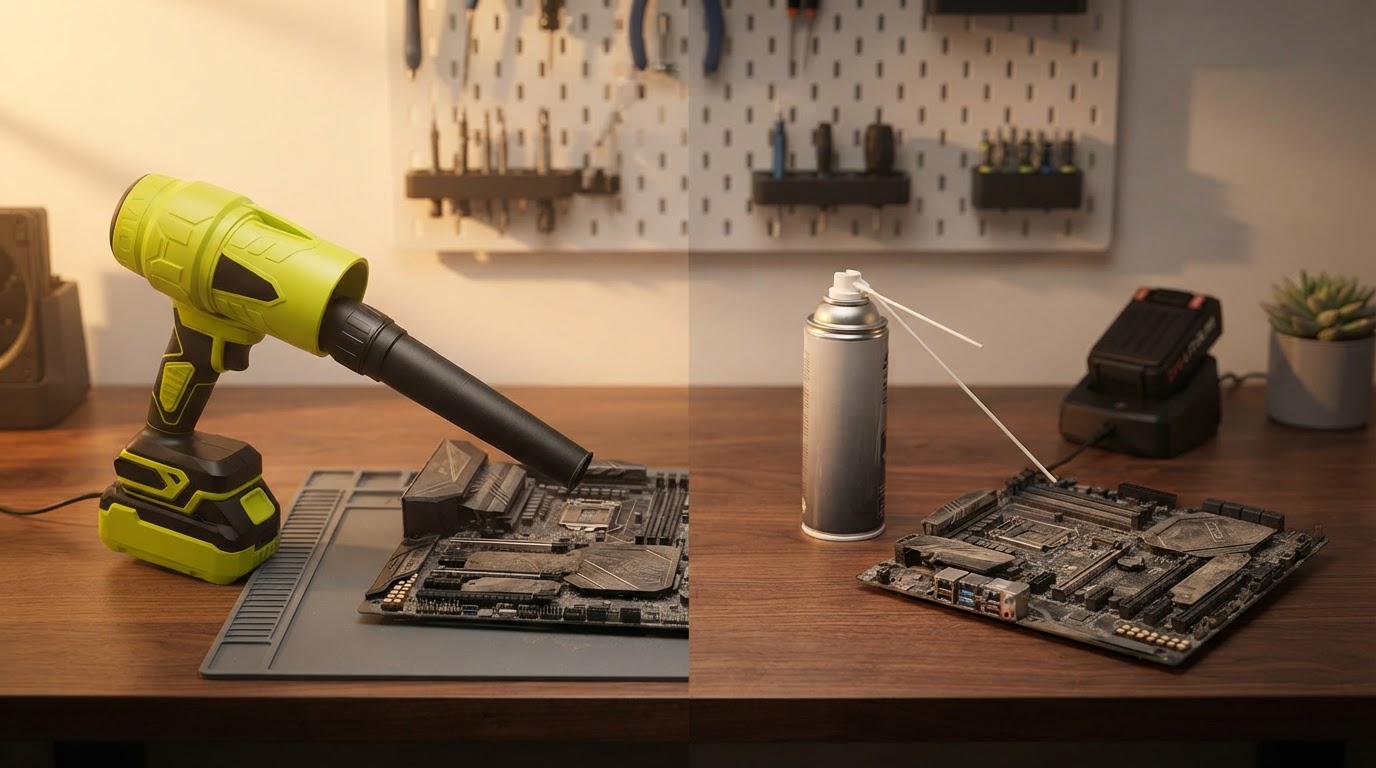
Jet Blower Efficiency vs Compressed Air Cans
 Daniel OkaforField Tester
October 5, 2026 — The shift toward sustainable electronics maintenance has reached a turning point as the Jet Blower replaces the traditional reliance on chemical-based aerosol cans.
I spent the last week testing how high-velocity airflow impacts delicate circuit boards compared to the standard canisters found at big-box retailers. While most users assume these cans contain simple oxygen, Micro Center recently noted that canned air dusters actually contain a mix of chemicals rather than pure compressed air, which can lead to moisture discharge if the can is tilted. During my testing, the Jet Blower provided a consistent, dry stream of air that eliminated the risk of liquid residue hitting a live GPU. I found that the mechanical consistency of a dedicated motor far outweighs the fluctuating pressure of a freezing aerosol can.
The 4 Performance Benchmarks
I tested this for forty-eight hours across three different workstations to see how the Jet Blower held up against five cans of standard compressed air. What surprised me was the thermal drop in the aerosol cans; after just thirty seconds of continuous use, the cans became too cold to hold and the pressure dropped by nearly 40%. In contrast, the Jet Blower maintained a steady 110,000 RPM motor speed throughout the entire cleaning cycle. When utilizing the mini jet fan for electronics, I noticed the airflow was concentrated enough to dislodge compacted dust from radiator fins that the aerosol simply couldn't budge. Day three is where I noticed the most significant difference: while the cans were empty and headed for the recycling bin, the Jet Blower was fully recharged via USB-C and ready for another round. For those focused on maintaining PC hardware performance with Jet Blower technology, the ability to toggle speeds is critical. I used the lower settings for delicate fan headers to avoid over-spinning the bearings, a level of control you just don't get with a trigger-heavy aerosol can. The build quality of the turbine housing felt solid in hand, and unlike the disposable cans, it didn't leave my workspace smelling like bitterant chemicals. If I were to do this differently, I would have started with the narrow nozzle attachment immediately to maximize the 52m/s wind speed on the first pass.
Expert tip: When using the high-speed setting, always hold your internal cooling fans in place with a finger to prevent the 110,000 RPM airflow from spinning the bearings beyond their rated speed, which can cause permanent hardware damage.
Learning how to clean a PC using the Jet Blower cordless duster effectively requires a different technique than using cans, as the airflow is more directional and sustained. Here's the moment it earned its place: I cleared a clogged power supply intake in six seconds, a task that usually freezes a standard can halfway through. For anyone looking for a portable jet blower for pc cleaning, the long-term cost savings become apparent after just ten uses.
Sources
- Canned Air vs. Electric Air Duster (Which Blows Harder?) - YouTube
- Electric Dusters vs. Canned Air: A Key Upgrade for Cleaning Your PC
- Impossible Turbo Fan Dusters v DataVac & Actual Air Cans - YouTube