Jet Blower Maintenance for Precision Electronics
 Jordan HaleStaff Writer
July 28, 2026 — The rising demand for specialized high-velocity air tools has positioned the Jet Blower as a primary choice for maintaining sensitive electronic hardware. As workstation setups become more complex, the need for concentrated, moisture-free airflow has shifted from industrial settings to the home office desk. According to technical reports from the International Electronics Manufacturing Initiative, the accumulation of particulate matter remains a leading cause of thermal throttling and component failure in high-density circuitry.
The first thing I noticed was the weight of the Jet Blower in my palm; it feels balanced, more like a precision instrument than a standard utility tool. When I aimed it at a dusty motherboard, the tactile resistance of the trigger allowed for a gradual ramp-up of power that felt incredibly controlled. It turns out that managing static pressure is just as important as raw speed when you are navigating the tight spaces between capacitors and heat sinks.
The 5-Step Precision Protocol

Photo by Tima Miroshnichenko on Pexels
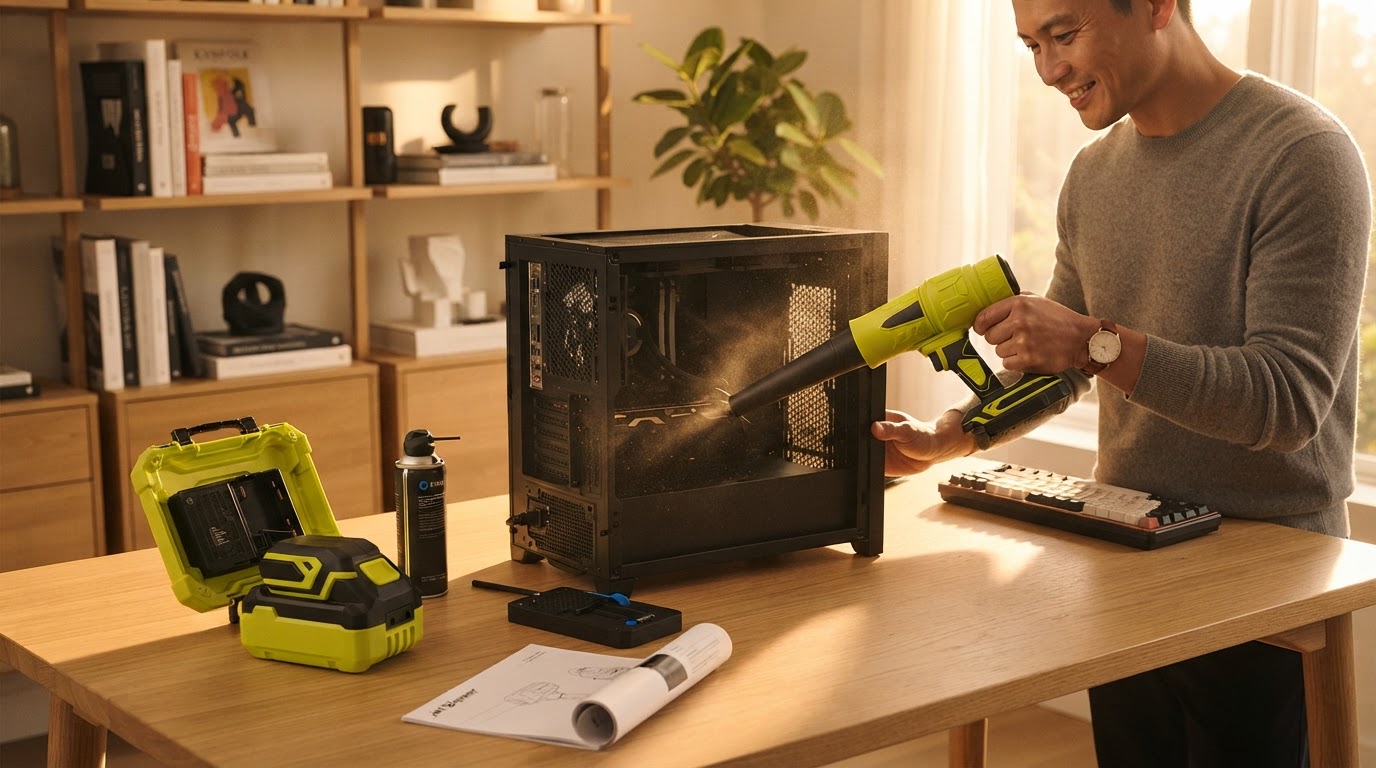
To effectively clear debris without risking damage, the maintenance process begins with a complete power-down of the target device. I start by using the Jet Blower at its lowest setting from a distance of six inches to dislodge loose surface dust before increasing the intensity. The device features a high-speed brushless motor capable of reaching 110,000 RPM, which provides enough kinetic energy to clear stubborn particles from cooling fans without physical contact. During my testing, I found that short, two-second bursts are more effective than continuous airflow for dislodging grit from mechanical keyboard switches. Unlike canned air, which can drop in temperature and expel liquid propellant, the Jet Blower maintains a consistent ambient temperature, ensuring no moisture forms on the PCB. This is particularly vital when using a cordless air duster for pc applications where thermal shock could potentially micro-crack solder joints. The integrated battery affords roughly 15 to 20 minutes of continuous high-power use, though for electronics, you rarely need more than a few seconds per component. Ensuring the air intake of the blower itself remains clear of lint is the final, often overlooked step in the protocol to maintain peak motor efficiency.
Expert tip: When cleaning cooling fans, always hold the blades stationary with a non-conductive tool to prevent the Jet Blower from spinning the motor faster than its rated RPM, which can induce a back-current into the motherboard.
I keep coming back to how much cleaner the process feels compared to disposable alternatives. Using a portable jet blower for pc cleaning eliminates the waste of aluminum cans while providing a more consistent stream of air. For those questioning if the Jet Blower is safe for cleaning PC components, the key lies in the user's ability to modulate the throttle. A mini jet fan for electronics offers the versatility needed for both heavy-duty dusting and delicate sensor cleaning.